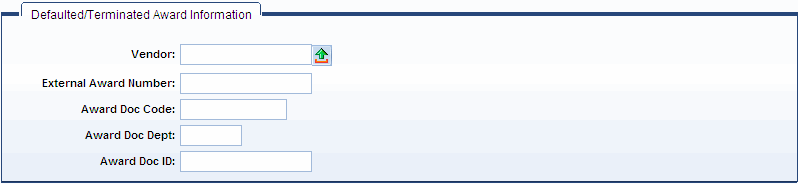
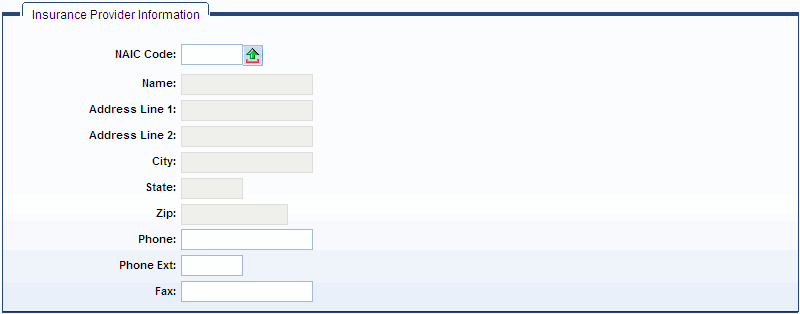
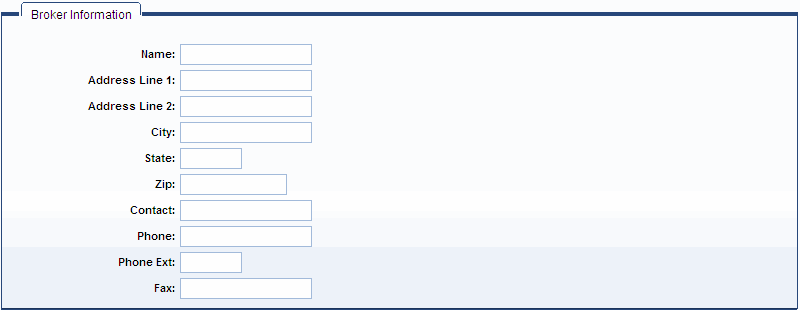
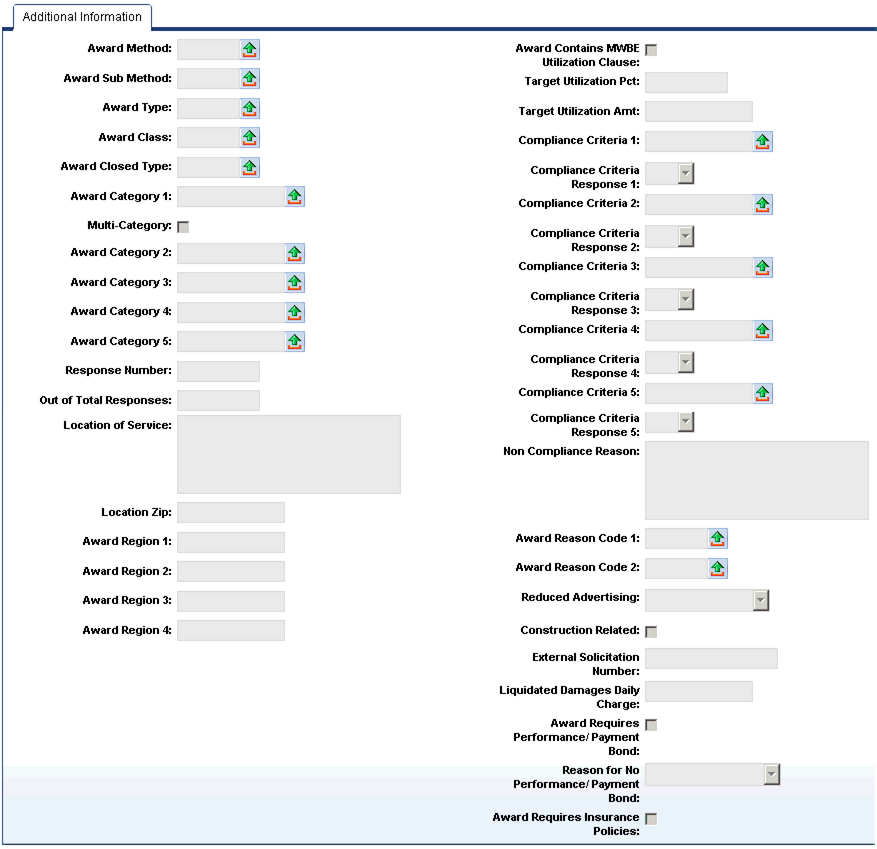
The following are unique to the CT:
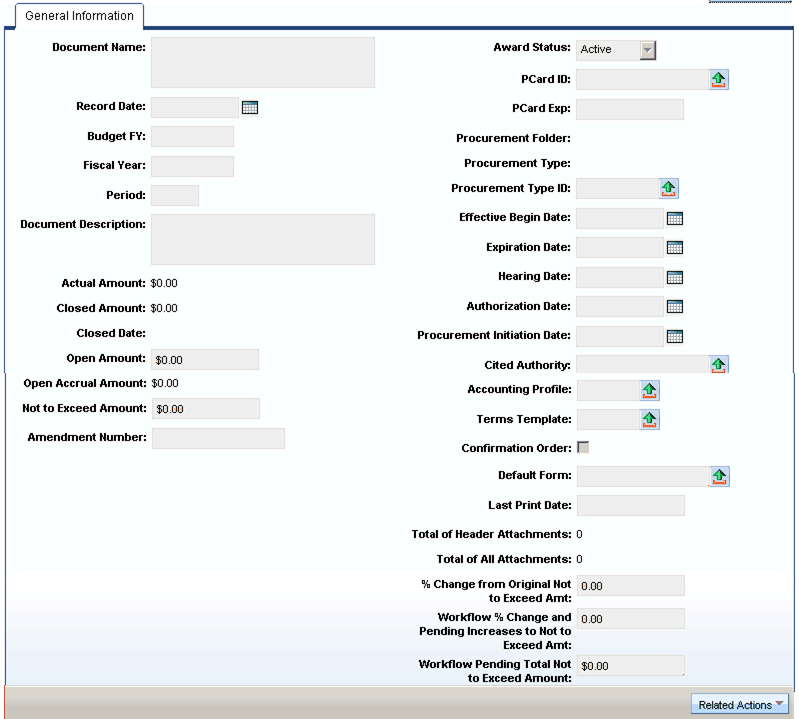
Upon submitting a Termination (TM) document to Final that references a document of the CT Document Sub Type, a draft version of the CT document is created. Upon submitting the TM to Final, the TM document Information (Doc Code, Doc Dept, Doc ID) is passed to the Terminated By (Terminated By Doc Code, Terminated By Doc Dept, Terminated By Doc ID) fields in the Reference tab on the Header section of the newly created draft CT document. Upon submitting the TM to Final, the system sets the Award Status field on the Header of the newly created draft CT document to a value of Terminated. If the Terminated By fields are populated and/or the Award Status field is Terminated, then all commodity and accounting lines must be closed or an error is issued when submitting the newly created CT document. If the Award Status is Terminated, then the Terminated By fields must be populated and vice versa.
|